
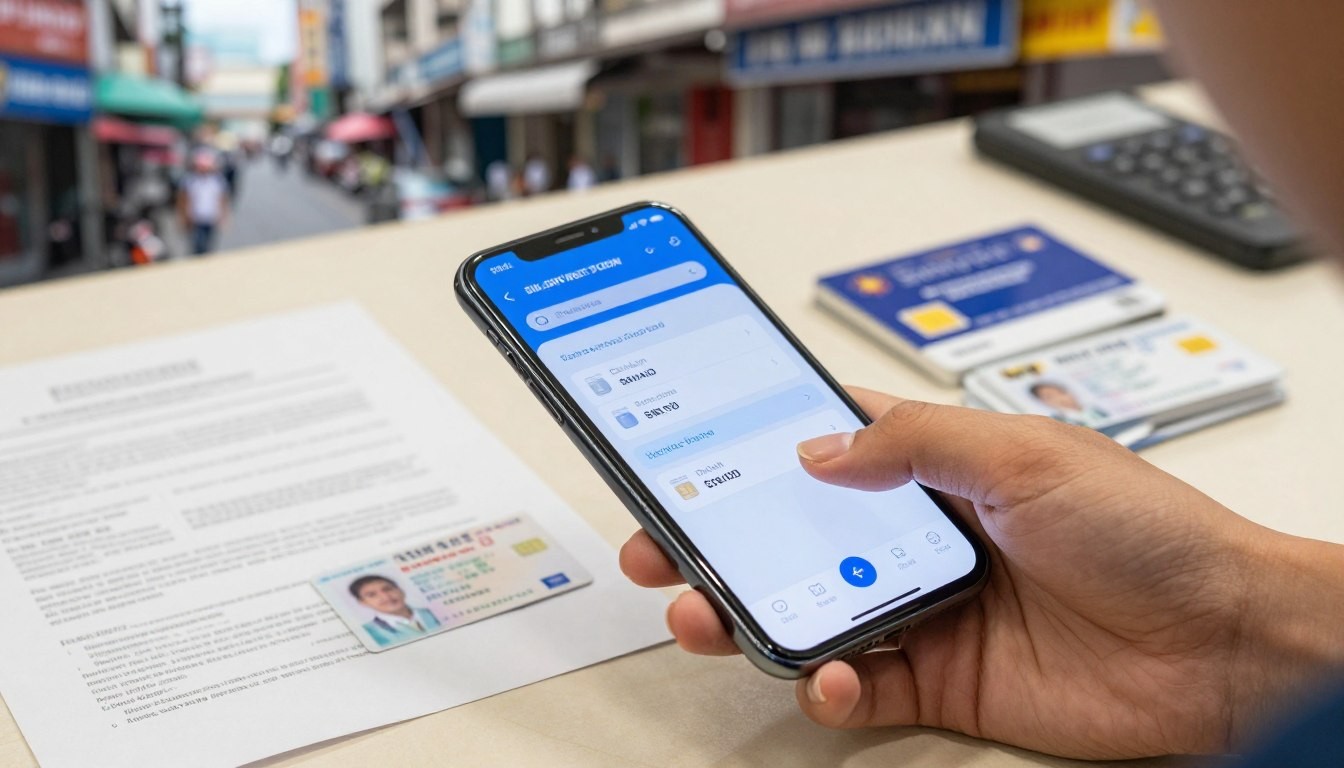
How to register sim card in the Philippines
Registering your SIM card in the Philippines is key. It makes sure your mobile number is safe and follows the country’s rules.
register sim
The SIM registration process is easy. You just need to give some basic details. By doing this, you protect your number and help fight fraud.
It’s important for everyone in the Philippines to know about SIM registration. It keeps your mobile use safe and legal.
Key Takeaways
- SIM registration is mandatory in the Philippines.
- The process is simple and requires basic user information.
- Registering your SIM card enhances security.
- It helps in reducing fraudulent activities.
- Understanding the registration process is crucial for mobile users.
Understanding the SIM Registration Act in the Philippines
For all mobile phone users in the Philippines, knowing the SIM Registration Act is key. The government has made big moves to control SIM card registration. This is through Republic Act No. 11934, aiming to make users safer and more secure.
What is Republic Act No. 11934?
Republic Act No. 11934, or the SIM Registration Act, is a law. It requires SIM cards to be registered with telecom companies. The goal is to stop SIM cards from being used for fraud.
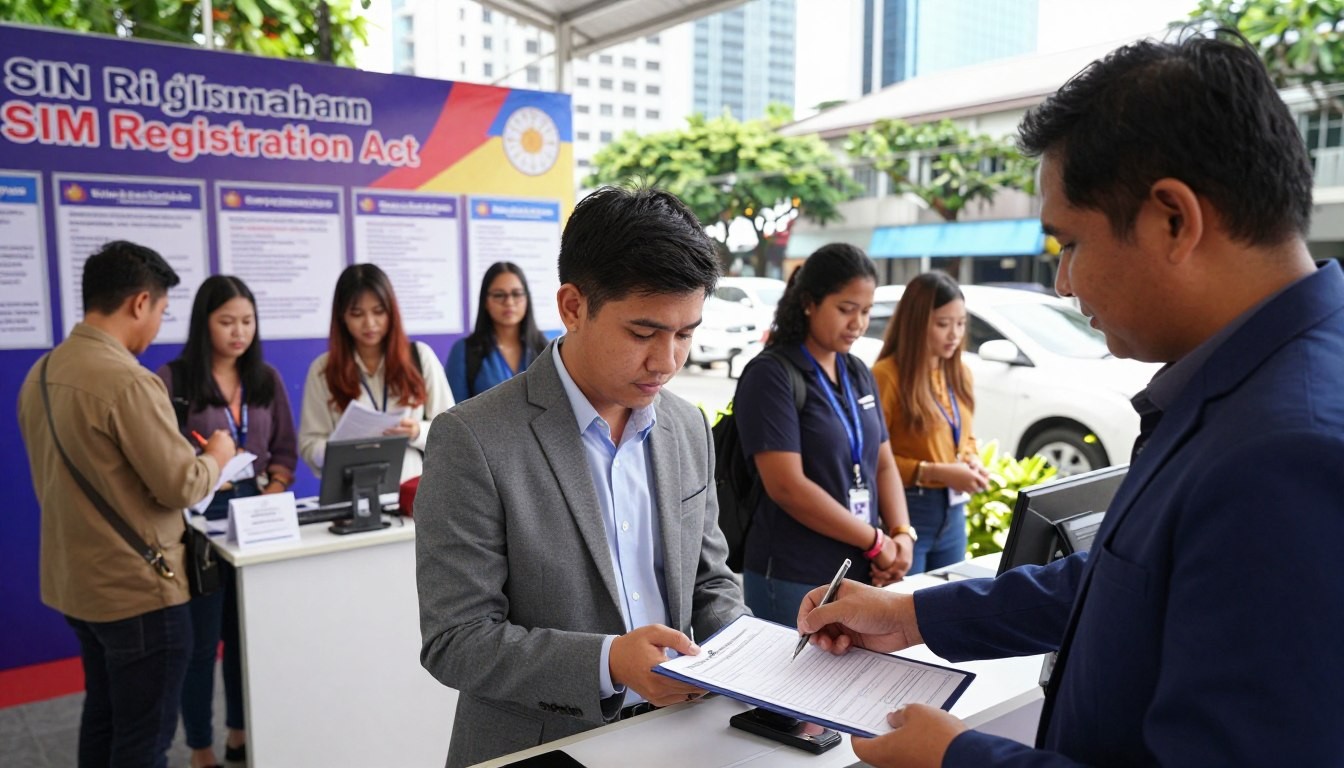
SIM registration act
Why SIM Registration Became Mandatory
The law was made to fight scams and illegal acts done with unregistered SIM cards. By registering SIM cards, the government can track and stop these activities. This makes the environment safer for everyone.
Deadlines and Penalties for Non-Compliance
It’s important to register your SIM card on time to avoid fines. Not registering can lead to your SIM card being shut down. The government has set deadlines for registration. Users should register quickly to keep their service uninterrupted.
Who Needs to Register Their SIM Cards
It’s important to know who must register their SIM cards in the Philippines. The SIM Registration Act makes it a rule to register SIM cards. This is to boost security and cut down on fraud.
Filipino Citizens
Filipino citizens must register their SIM cards. This rule applies to anyone with a SIM card, whether it’s from Globe Telecom, Smart Communications, or DITO Telecommunity. Registration is mandatory for all citizens to ensure their SIM cards are used legally.
Foreign Residents
Foreign residents in the Philippines must also register their SIM cards. This includes expatriates and those with valid visas. They need to show their passport and proof of residence to register.
Tourists and Temporary Visitors
Tourists and temporary visitors also need to register their SIM cards. They can use their passport details for registration. The process for tourists is simpler and might have a different validity period.
The main groups that need to register their SIM cards are:
- Filipino citizens
- Foreign residents
- Tourists and temporary visitors
Registering your SIM card is a key step to follow Philippine law. It helps avoid any penalties.

SIM registration requirements
Required Documents to Register a SIM Card in the Philippines
To register a SIM card in the Philippines, you need to gather certain documents. These documents depend on your status, like being a Filipino citizen, a foreign national, or a minor.
Valid IDs for Filipino Citizens
Filipino citizens must show a valid ID to register their SIM cards. These IDs are divided into primary and secondary types.
Primary Government IDs
Primary IDs include:
- Philippine Passport
- Unified Multi-Purpose ID (UMID)
- Social Security System (SSS) ID
- Government Service Insurance System (GSIS) ID
- Driver’s License
- Professional Regulation Commission (PRC) ID
- Voter’s ID
- National ID (if already issued)
Secondary IDs and Alternatives
If you don’t have a primary ID, you can use secondary IDs or alternatives. These include:
- Company ID
- School ID
- Barangay ID
- Other government-issued IDs
Documentation for Foreign Nationals
Foreign nationals also need to register their SIM cards with specific documents.
Passport Requirements
The main document for foreign nationals is a valid passport. The passport must be valid for at least six months from the registration date.
Additional Documents for Long-term Visitors
Long-term visitors may need more documents, such as:
- Alien Certificate of Registration (ACR)
- Special Resident Retiree’s Visa (SRRV)
- Other relevant visas or residence permits
Additional Requirements for Minors and Special Cases
Minors (below 18 years old) have extra requirements. They need a parent or guardian, a birth certificate, and a valid ID of the parent or guardian.
People with disabilities or senior citizens might have different rules. It’s best to check with the service provider for their specific needs.
How to Register a SIM Card with Major Philippine Telcos
Registering your SIM card with major Philippine telecom companies is easy. You can do it through different channels. The SIM Registration Act requires all SIM card users to register their numbers with their telecom providers.
Globe Telecom Registration Process
Globe Telecom, a big telecom company in the Philippines, has two main ways to register your SIM. You can do it through the GlobeOne app or their official website.
Using GlobeOne App
To register your SIM with the GlobeOne app, follow these steps:
- Download and install the GlobeOne app from the App Store or Google Play Store.
- Open the app and log in to your account.
- Navigate to the SIM registration section.
- Fill out the required information, including your name, address, and valid ID details.
- Submit the registration form and wait for confirmation.
Using the Globe Website
You can also register your SIM on the Globe Telecom website:
- Visit the Globe Telecom website and navigate to the SIM registration page.
- Fill out the registration form with your details.
- Upload the required documents, such as a valid ID.
- Submit the form and wait for a confirmation message.
Smart Communications Registration Steps
Smart Communications, another big telecom provider in the Philippines, offers several ways to register your SIM. You can use their Smart app or website.
Using Smart App
To register your SIM with the Smart app:
- Download and install the Smart app from the App Store or Google Play Store.
- Log in to your Smart account.
- Go to the SIM registration section.
- Fill out the required information and submit the registration form.
Using Smart Website
You can also register your SIM on the Smart Communications website:
- Visit the Smart Communications website.
- Navigate to the SIM registration page.
- Fill out the registration form and upload the necessary documents.
- Submit the form and await confirmation.
DITO Telecommunity Registration Procedure
DITO Telecommunity, a new telecom player in the Philippines, has a simple SIM registration process.
To register your DITO SIM, visit their official website or use their mobile app. You’ll need to fill out a form, upload documents, and wait for verification.
Other Network Providers
While Globe Telecom, Smart Communications, and DITO Telecommunity are major players, other providers also offer SIM registration. The process may differ, so it’s best to check their websites or visit their stores for details.
How to Register SIM Online: Complete Process
Registering your SIM card online is easy and quick. You can do it from home. It’s designed to be simple, so you can register your SIM card easily.
Preparing Your Requirements
Before starting, make sure you have everything you need. You’ll need a valid ID, your SIM card details, and personal info.
Make sure your ID is valid and not expired. It’s needed for verification. You can use any accepted ID listed on the portal.
Accessing the Registration Portal
To register online, visit the official portal. Click on the registration link on the website.
The portal is user-friendly and easy to navigate. This makes it simple to register quickly.
Filling Out the Registration Form
The form has several sections. These include personal info, ID verification, and SIM details.
Personal Information Section
Here, you’ll enter your personal details. This includes your name, address, and contact info.
Make sure the info you give is correct. It should match your ID.
ID Verification Section
In this section, upload a clear photo or scan of your ID.
Ensure the image is clear and legible. This helps with verification.
SIM Details Section
Here, you’ll enter your SIM card details. This includes the SIM card number and type.
Be accurate with this info. It helps avoid registration issues.
Verification Process and Confirmation
After submitting your form, wait for verification.
Once verified, you’ll get a confirmation message or email.
Keep this confirmation safe. It proves your SIM card is registered.
In-Person SIM Registration Options
For those who like a hands-on approach, in-person SIM registration is available in the Philippines. It’s great for those who need help or want to talk directly to someone.
Visiting Telco Stores and Service Centers
Visiting a telco store or service center is a simple way to register your SIM card. Big names like Globe Telecom, Smart Communications, and DITO Telecommunity have many locations. They offer help to their customers.
What to Bring
When you go to a telco store or service center, bring your ID and the SIM card. Having these ready makes the process easier.
Step-by-Step Process
The process is easy. You’ll fill out a form, show your documents, and hand over your SIM card. The staff will help you finish it up.
Registration at Authorized Retailers
Authorized retailers also offer SIM registration services. They are trained to help, making it easy to register while out shopping.
Community Registration Events
Sometimes, telcos and government agencies hold community events for SIM registration. These events are great for people in rural areas or those who find it hard to get to a store.
| Registration Method | Location | Documents Required |
| Telco Stores and Service Centers | Major cities and towns | Valid ID, SIM card |
| Authorized Retailers | Various retail locations | Valid ID, SIM card |
| Community Registration Events | Community centers, public spaces | Valid ID, SIM card |
Troubleshooting Common SIM Registration Issues
Running into problems with SIM registration can be really frustrating. But most issues have simple fixes. Knowing how to tackle these problems can make the registration process smoother.
Website Errors and Technical Problems
Technical issues like website errors or system timeouts can slow down the SIM registration. Refreshing the page or trying a different browser might solve the problem. Also, having a stable internet connection is very important.
Rejected Applications and How to Fix Them
When an application gets rejected, it’s often because of ID verification failures or system timeout issues. Knowing why it was rejected is the first step to fixing it.
ID Verification Failures
ID verification failures usually happen because of mismatched information or poor image quality. Make sure the info you enter matches your ID perfectly. Also, upload clear images to avoid this issue.
System Timeout Issues
System timeouts occur when the registration takes too long. Finish the registration in one go or use a faster internet connection to avoid this.
| Issue | Solution |
| Website Errors | Refresh the page or try a different browser |
| ID Verification Failures | Ensure information matches the ID and upload clear images |
| System Timeout Issues | Complete registration in one session or use a faster internet connection |
Who to Contact for Registration Assistance
If you’re still having trouble, reach out to the service provider’s customer support. Globe Telecom, Smart Communications, and DITO Telecommunity all have dedicated teams for SIM registration help.
Tips for Foreigners and Tourists to Register a SIM
As a foreigner or tourist in the Philippines, getting your SIM card registered is key to staying connected. The process is simple, with many options to meet your needs.
Airport Registration Options
When you arrive at Philippine airports, you can easily register your SIM card. Many telecom providers have booths or kiosks at the airport. This makes it quick to get your SIM card working right away.
Using Passport for Registration
Your passport is a must for SIM registration as a foreigner or tourist. Make sure it’s valid and not about to expire. Telecom providers might also ask for other documents like proof of address or a visa. So, have these ready.
Temporary vs. Regular Registration
Foreigners and tourists can pick between temporary and regular SIM registration. Temporary is great for short visits, lasting as long as your stay. Regular is better for those staying longer, like expatriates. Knowing the difference helps you pick the right option for you.
Conclusion
Registering your SIM card is now easy, thanks to Globe Telecom, Smart Communications, and DITO Telecommunity. Just follow the steps in this article to register online or in person.
The SIM Registration Act requires SIM card users to register. You need to show a valid ID and fill out a form. It’s easy, with options for online or in-person registration.
By registering your SIM, you help keep the telecoms safe and secure. If you face any problems, your network provider’s customer support is there to help.
Now you know how to register your SIM card. So, go ahead and register today. With your SIM registered, you can stay in touch with everyone without interruption.